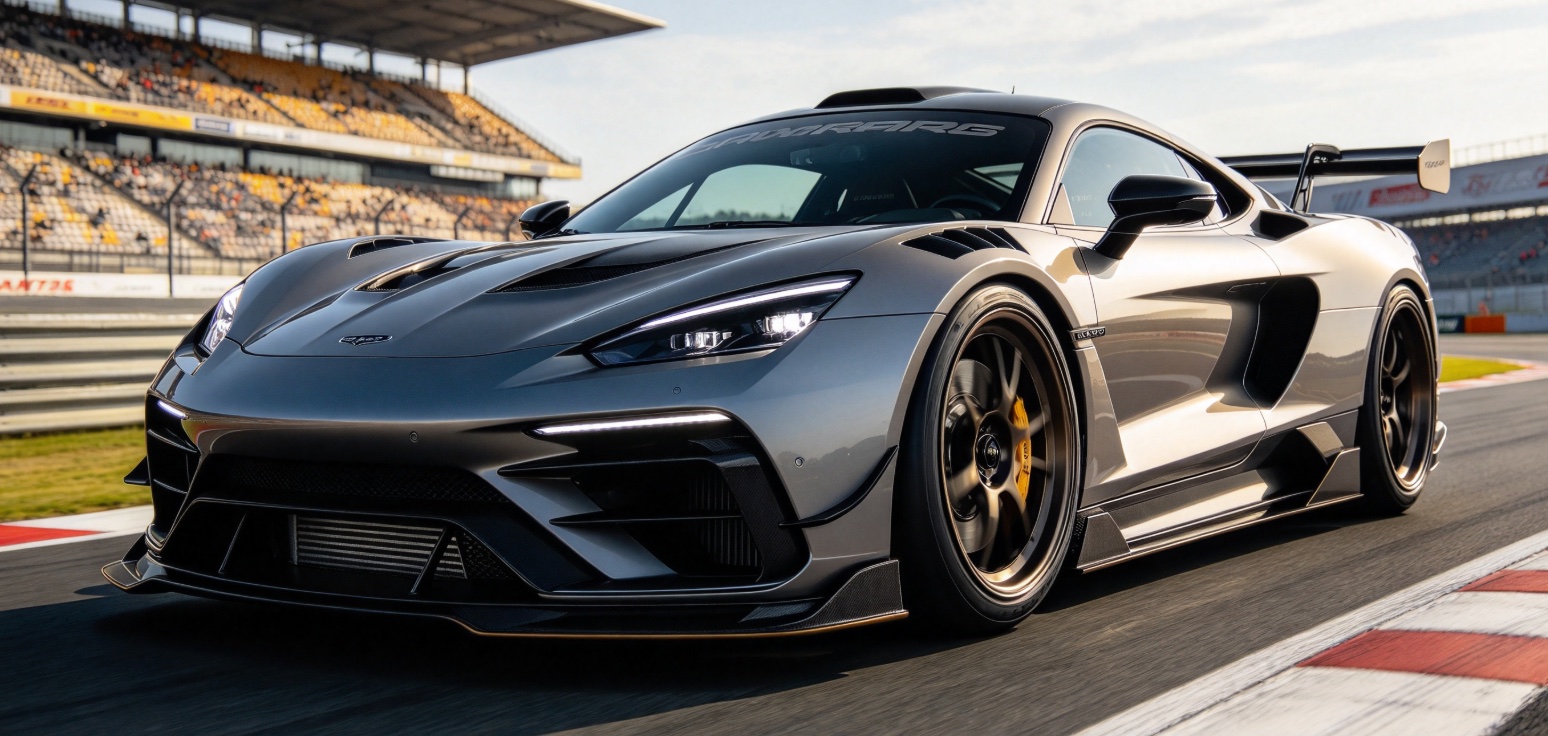
Your car or a friend’s
Use your own car photo, or one you have permission to use. The current orderable templates put the Roadster into a ramp jump; credit the owner when you post.
Set up your videoStart with one photo. Pick a template, upload a front three-quarter shot, and get a fictional stunt video by email in 10–30 minutes. No account.
5s $6.90 · 10s $13.90 · 720p
The ramp · 10s · AI-generated sample · How it was made
Each template has a fixed length. Pick the one you want; the duration comes with it.
The selected template, aspect ratio and photo all stay here.
All videos are delivered in 720p.
JPG, PNG or WebP · up to 5 MB · one car
Whole car, wheels included. Front three-quarter view; one photo is enough.
Read the terms and our AI Content Policy.
Checkout is not open yet. You can preview a photo here; it stays in this browser and is not uploaded.
No account, no credits — the private link arrives by email.
It is an AI-generated take on the ramp jump from Tesla's October 2026 Roadster demonstration. The real stunt prototype drove up a curved ramp, flipped over parked cars and landed; the official demo was real, not AI footage. The same night, the GTA 6 trailer sparked the joke “we got flying cars before GTA 6,” and people began putting their own cars into the jump.
This site recreates that kind of stunt using your car photo and one of three video templates. Every result is AI-generated, not Tesla footage. Read the full trend guide or read the real-or-AI breakdown.
Sources: Tesla on X · CNBC · SlashGear
Flying Roadster AI video takes three steps: choose the template and aspect ratio, upload one car photo, and pay once. No account, no credits, no editing.
The ramp is 10 seconds. The high air and The truck pass are 5 seconds. The length is fixed.
Front three-quarter view (front and one side visible), whole car and wheels in frame, clear light.
We send a private link within 10–30 minutes. It works for 3 days.
These are creative examples. The templates currently available to order feature the Roadster.
Use your own car photo, or one you have permission to use. The current orderable templates put the Roadster into a ramp jump; credit the owner when you post.
Set up your video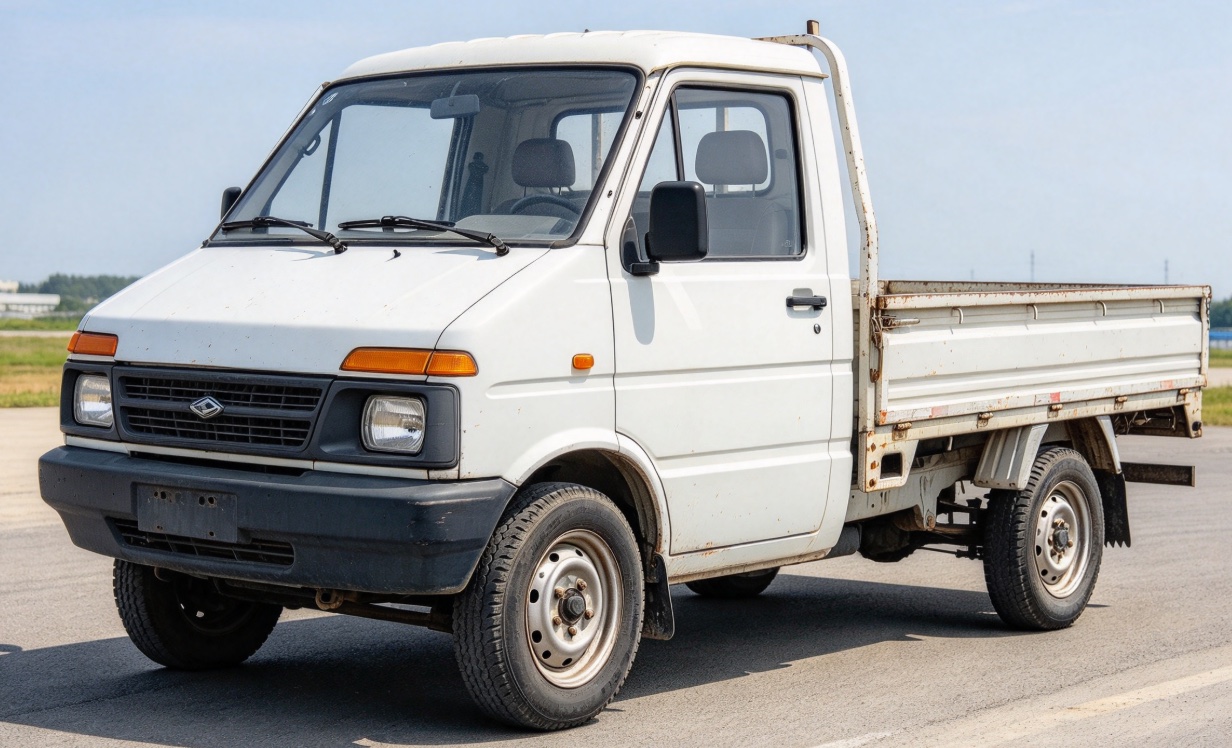
Picture a compact truck taking an improbable leap. Other vehicles are creative concepts; they are not currently orderable templates.
Set up your video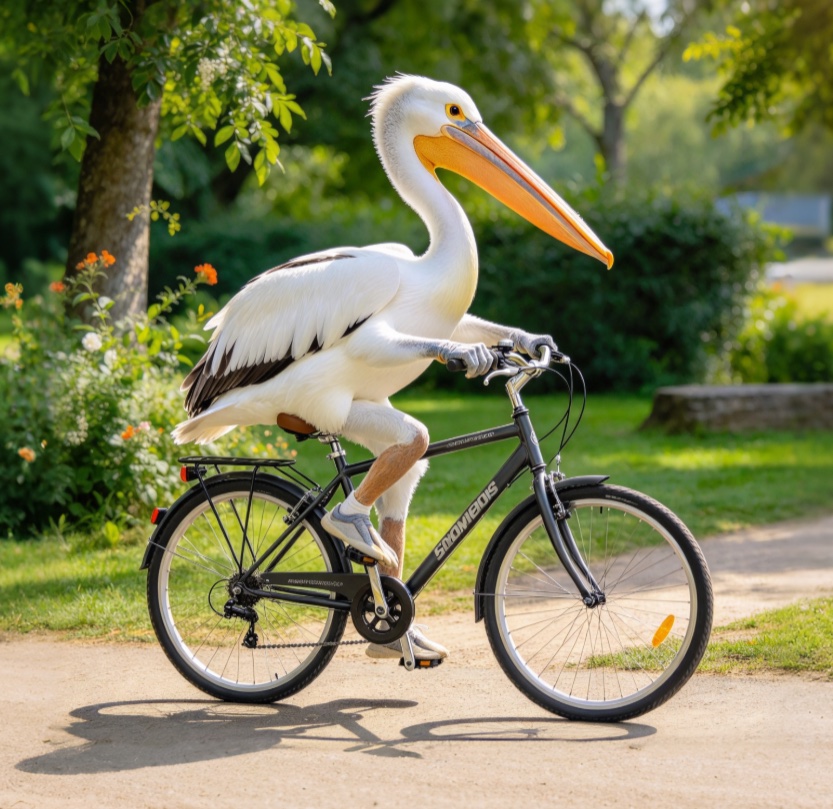
A pelican pedaling a bicycle makes a playful animal-rider concept. Animal and bicycle scenes are not currently orderable templates.
Set up your video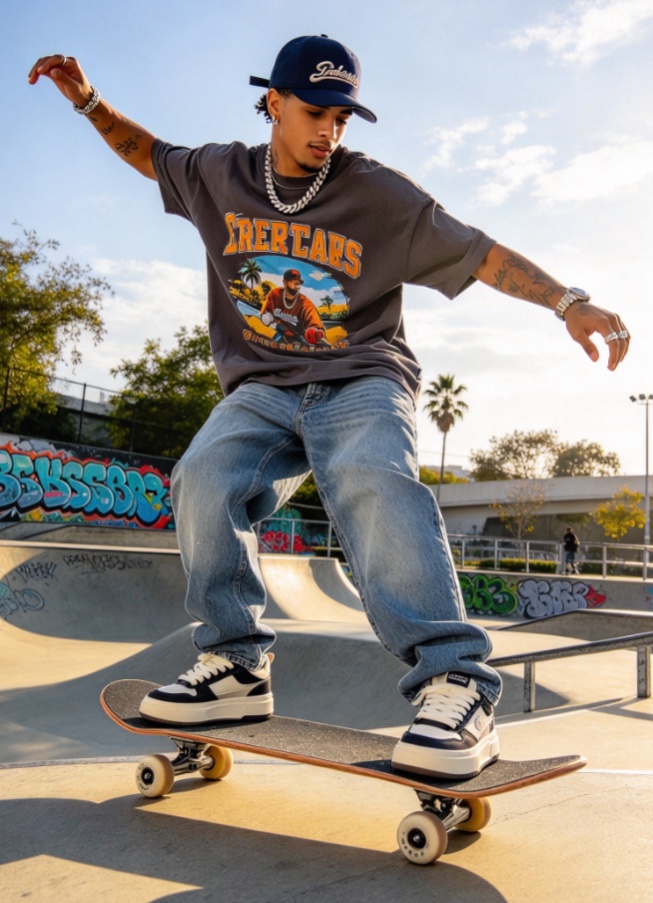
A skater catching air is another playful stunt idea. Use a person’s photo only if it is yours or you have permission to use their likeness. Person-based scenes are not currently orderable templates.
Set up your videoA truck, a skater and a pelican take on the ramp in these AI-made clips.
Every flying Roadster AI video is one MP4, delivered by email with a private link.
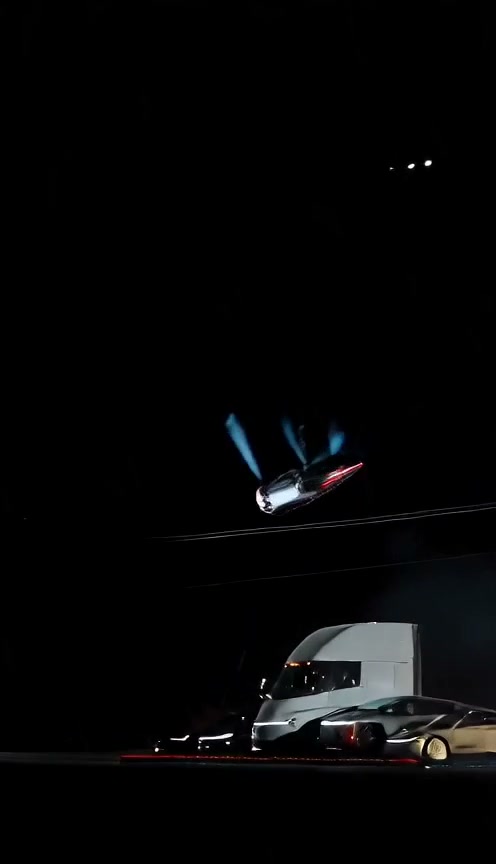
A flying Roadster AI video starts with one photo. The template supplies the action; your photo supplies the car. A sharp front three-quarter view works best.
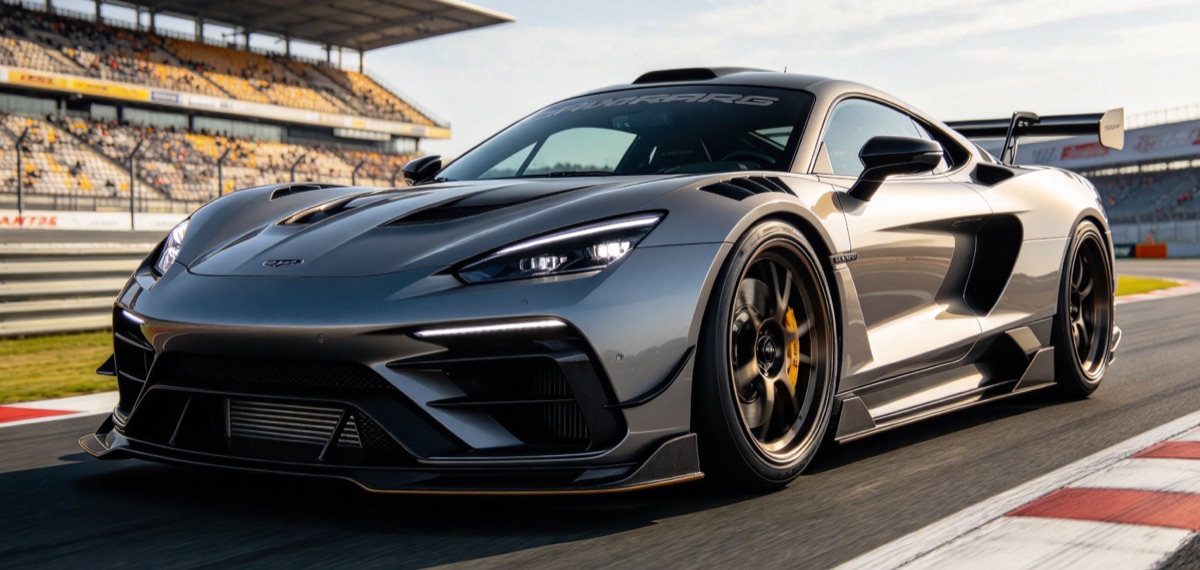
Read the full photo guide · Why a car can reverse up the ramp
A flying Roadster AI video is priced by length. 720p and 9:16 or 16:9 are included; the template fixes the length.
$6.90
The high air or The truck pass · 720p
Your video may differ from the examples shown.
Choose a 5s template$13.90
The ramp · 720p
Your video may differ from the examples shown.
Choose the 10s templateFour flying car AI video guides on the trend, the real-or-AI question, the DIY workflow and the camera angles.
The official Tesla demonstration footage is real; your flying Roadster AI video is not. It is generated from your photo, none of Tesla's footage is in it, and this site is not affiliated with Tesla.
No. Pay once at checkout and enter your email; the private link arrives by email. There is no dashboard and no credits to buy.
One car, front three-quarter view, with the whole body and wheels in frame and clear daylight. Front three-quarter means you see the front and one side of the car at once. A side view can work too. JPG, PNG or WebP up to 5 MB. Dark, blurry or tightly cropped photos give worse results.
The ramp is 10 seconds. The high air and The truck pass are 5 seconds. The length comes with the template; you do not choose a duration.
$6.90 for a 5-second video and $13.90 for a 10-second video, paid once. 720p and 9:16 or 16:9 are included at the same price. No subscription and no credits.
Yes. Pick The ramp, The high air or The truck pass. Each template has a fixed length.
Yes. Choose 9:16 for TikTok, Reels or Shorts, or 16:9 for a landscape player. Videos are delivered in 720p; the samples on this page are 9:16.
Usually 10–30 minutes. We email you as soon as the video is ready.
Yes. It has AI-generated engine and thruster sound effects, but no music or voices. Add your own music in TikTok, Reels or your editor if you want.
It is a joke about getting a futuristic flying-car clip before Grand Theft Auto 6 arrived. Tesla's Roadster demo and the GTA 6 trailer landed the same night, so people put their own cars into the stunt.
Not yet. The current flying Roadster AI video templates are the ramp, The high air and The truck pass. A skateboard-style kickflip, hovering over traffic and tunnel-ceiling driving are not published templates.
Look for one-image input, a reference clip or fixed action, 9:16 and 16:9 output, 720p, sound, a clear failure/refund policy, and whether an account or credits are required. This site uses a fixed template; the DIY guide explains how to compare general tools.
We may try up to three times in total. If all three attempts are explicitly rejected by content review, we issue a full refund and email you. Three technical failures or mixed or uncertain outcomes pause for manual review; we do not label a technical error as a policy violation.
Yes. TikTok, Instagram and YouTube require disclosure for realistic AI video. Use the platform's AI-generated label when you post.
Your photo is used only to make your video. The private link works for 3 days; after that, the video and photo are deleted. See Privacy.
One photo, one payment, a flying Roadster AI video by email.
Make my video